
Photos stay local
Drop in a group photo. Export the safe copy.
Face detection runs in the browser, so the original photo is not uploaded just to make a quick shareable version.
 BlurFaces
Blur faces online in photos and videos before you share.
Privacy-first editor
Automatically detect faces, add manual masks for plates or screens, and export a share-ready file without creating an account. Photos stay on your device; only blurred ShareLinks are stored.
Safe before it leaves your device
BlurFaces is built for the awkward middle step: checking a photo or video, hiding people and private details, then exporting a safe copy without turning it into an editing project.
Face detection runs in the browser, so the original photo is not uploaded just to make a quick shareable version.
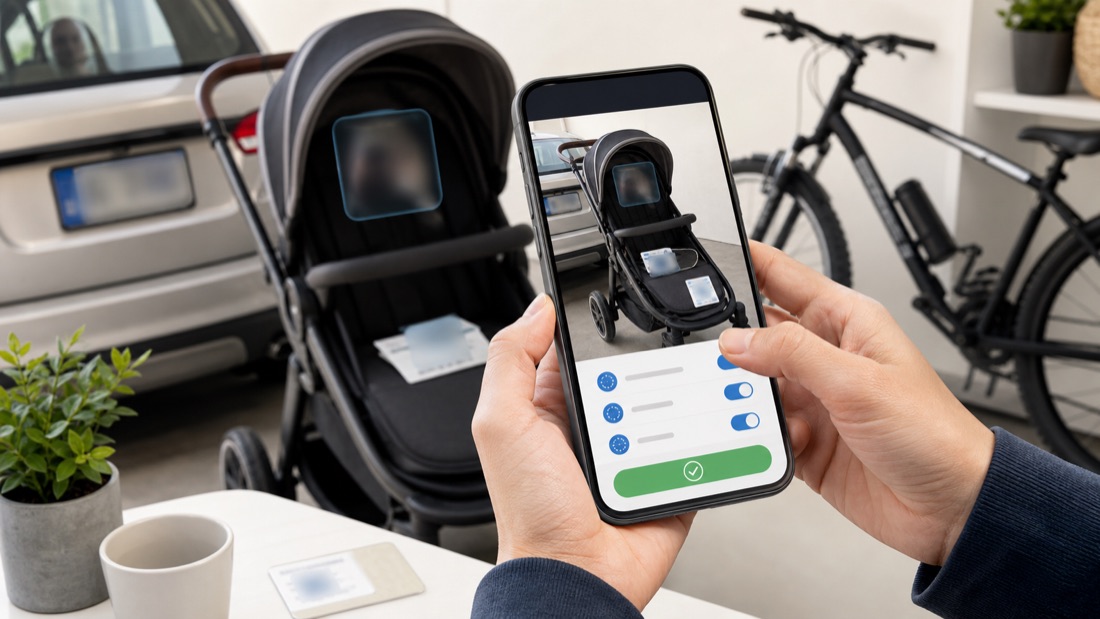
Manual masks handle the privacy misses that matter in marketplace, school, workplace, and event media.
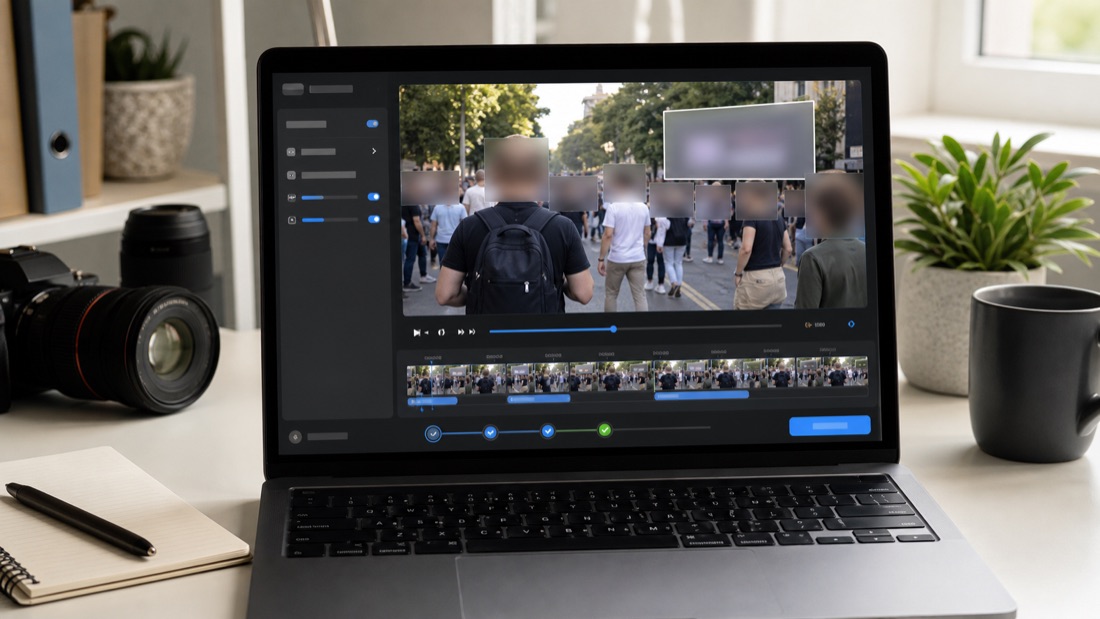
Review detected face tracks, adjust coverage, add manual masks, and export without turning to a pro editor.
Upload, tune blur intensity, and export in one workspace.
or drag and drop here
Use the slider to compare original and anonymized output.
Auto-blur faces in video, then add manual masks for plates, screens, badges, or documents if needed.
No. Face detection and blurring run entirely in your browser. Original files never leave your device.
Yes. Free exports include a small watermark. A 24-hour pass ($0.99) unlocks HD exports and watermark removal for one day. Starter and Pro subscriptions add batch processing, recurring access, and API features.
Yes. Free supports up to 15-second clips with a watermark. Paid plans unlock unlimited duration with optional watermark removal.
Photos: JPG, PNG, and WebP. Videos: MP4, MOV, and WebM. Export is always in the original format for photos and MP4 for videos.
No. BlurFaces is account-free. No sign-up, no tracking, no personal data stored.